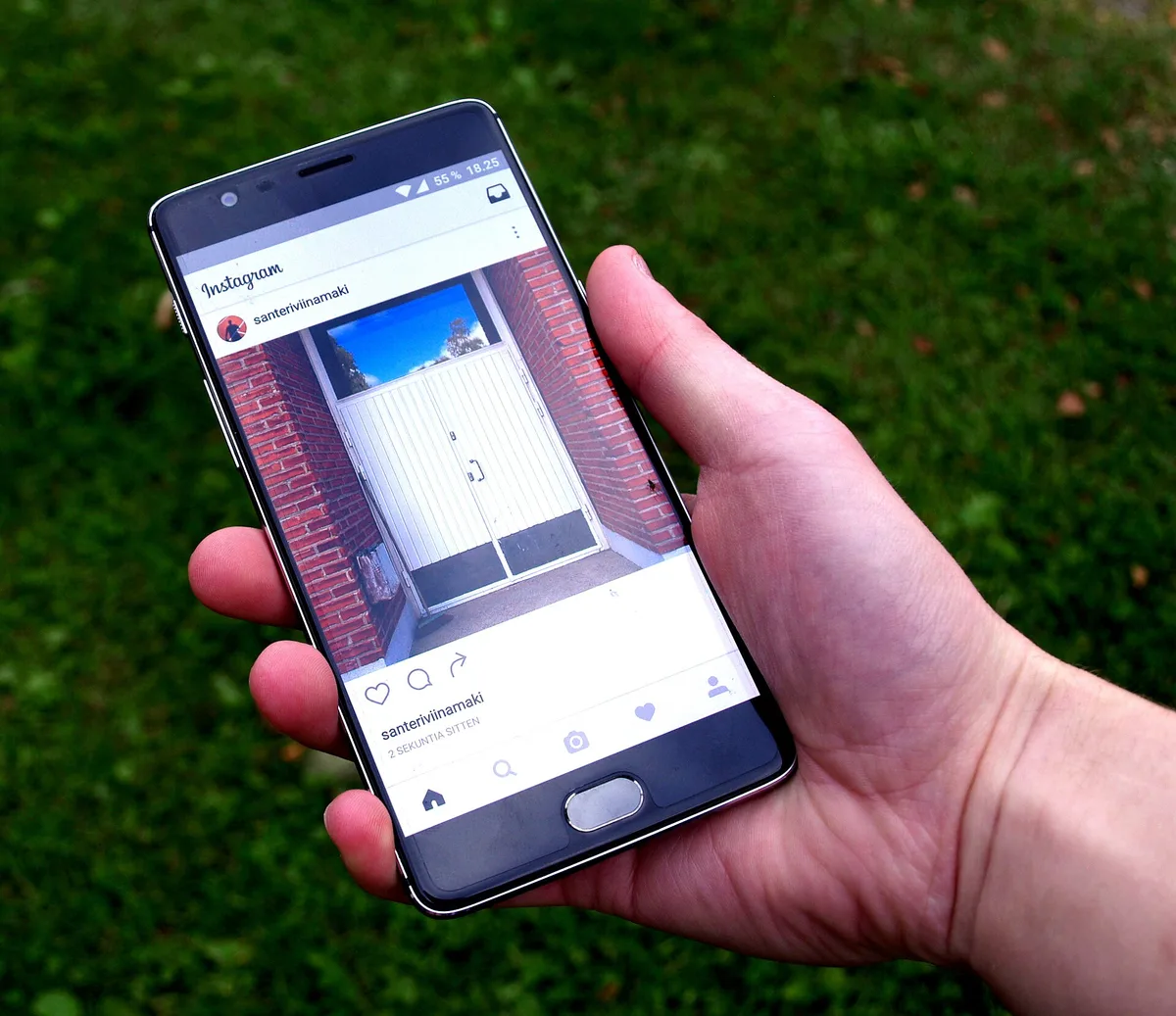
Instagram's collections are private folders for organizing posts you have saved: you group saved posts under named themes, and the collection keeps them findable long after the feeds that carried them have scrolled away. For sellers and creators, collections are less a feature than a habit — a running archive of competitor products, gift ideas, styling references, and items your audience keeps asking about. Exact save behavior is described per the help center as of March 2026, and interface details change over time.
This guide covers practical uses of saved-post collections for commerce work. Collections you create are visible only to you unless you deliberately share them, so nothing here changes what your audience sees; the value is entirely in what you can find again later.
What are collections and how do you make one?
Saving a post bookmarks it privately; a collection is a named folder those bookmarks live in. When you save a post, the platform lets you file it into an existing collection or start a new one, and posts stay in the collection even if the original account deletes or edits them in limited ways — saves can break if content is removed. The mechanics are simple; the discipline is not.
The setup takes a minute:
- Open any post and tap the save (bookmark) control.
- Choose an existing collection or create one with a specific name.
- Return to your saved tab to browse or reorganize collections.
- Add collaboratively where the option is offered, so a teammate's saves join yours.
Naming is the part people rush and later regret. "Products" is not a collection; "competitor packaging, skincare" is. Treat collection names like file folders in a business you plan to audit.
Why do collections matter for commerce work?
Social commerce runs on pattern recognition: what is trending, what your audience saves, what keeps selling out. Your memory is not a research tool, but a well-maintained set of collections is. Over a quarter, the archive tells you things no single post could — which price presentation you keep screenshotting, which unboxing format recurs across brands, which product category your audience tags you into.
Four collection types carry most of the weight:
- Competitor tracking: products, launches, and presentation choices from accounts you sell against.
- Audience demand signals: posts your comments and DMs keep pointing at, saved for review.
- Creative references: styling, packaging, and formatting ideas you want to adapt, not copy.
- Merchandising candidates: items you are considering stocking or creating, with examples of how others position them.
Each type answers a different question, and keeping them apart is what lets you act on the archive instead of drowning in it.
How do you turn a collection into decisions?
An unreviewed collection is a junk drawer. The habit that converts it into commerce value is a scheduled review: once a month, open each work collection and ask what changed and what repeats. Repetition is the signal. Two saved posts are taste; eight saved posts from different sources are a pattern worth pricing, prototyping, or pitching.
A monthly review in twenty minutes:
- Sort each collection by newest and skim for what you saved without thinking.
- Mark items that answer a current question: pricing, positioning, packaging.
- Write one sentence per collection about the pattern you see.
- Move one insight into your content or product plan for the month.
The last step is the difference between research and hoarding. A collection review that never changes what you publish or stock was entertainment, and there is nothing wrong with entertainment — just do not call it strategy.
How should a small team share collections?
Where the platform offers collaborative saving, a shared collection becomes the cheapest possible mood board: your photographer, your buyer, and your caption writer all file references into the same folder from their own accounts. Per the help center as of March 2026, collaborative collection options depend on account types and region, so confirm the current behavior before building a workflow on it.
Rules that keep shared collections useful:
- One collection per project or launch, named with the project and date.
- An agreed standard: save freely, annotate outside the platform where needed.
- A closing step: archive or rename the collection when the launch ships.
- Respect for other creators' work: references inform your own execution, never get reposted as yours.
That final rule deserves emphasis because commerce archives sit close to the line between inspiration and copying. A saved post documents an idea; it does not license the images, copy, or design inside it. If your team wants to reuse anything beyond private reference, permission comes first.
How do collections feed what you publish?
The archive earns its keep on the content side too. When a planning session stalls, collections are the prompt list you already wrote: the packaging detail you saved in January becomes March's behind-the-scenes Reel; the gift-guide posts you collected in autumn tell you which of your products belong in this year's version. Sellers who plan from collections report fewer blank-calendar mornings, because every saved post is a note about something an audience already cared about.
A simple loop closes the circle:
- Save what stops your scroll during the week, without judging it.
- Review collections at planning time and pick two or three patterns.
- Turn each pattern into one concrete piece: a comparison, a tutorial, a restock announcement.
- Watch which of those pieces gets saved by your audience, and file that reaction too.
The last step matters most. Your audience's saves are the same signal, pointed back at you, and they tell you what belongs in next month's collections.
What do collections not do?
Collections are private organization, not a storefront. Nothing you save is shown to your audience, saves do not create a public product page, and a collection cannot process an order or hold live inventory. Sellers sometimes conflate saved collections with shop surfaces that display curated products to buyers — those are separate commerce features with their own eligibility rules, and availability varies by region.
Keep expectations straight:
| Need | Right tool |
|---|---|
| Private research archive | Saved-post collections |
| Public curated products | Shop surfaces and product tagging, where eligible |
| Team mood board | Collaborative collections or an external board |
| Customer wish lists | Buyers' own saves; encourage saving in captions |
One public-facing use does exist: inviting your audience to save your posts. Saves are a strong interest signal inside your own analytics, and a caption that says "save this for restock season" costs nothing. You cannot see who saved, only aggregate counts, so treat it as a metric, not a mailing list.