Live instagram — How to go live on Instagram: a complete broadcaster's guide
Starting a broadcast takes a minute. Running one that looks deliberate takes a plan.
How distribution actually behaves: format weighting, reshare signals, tests rolling out by region, throttling claims checked, and enforcement patterns.
Starting a broadcast takes a minute. Running one that looks deliberate takes a plan.
Third-party trackers estimate follower movement, but the official count in the app remains the only number Instagram itself confirms.

Collab posts, tags, and Broadcast Channels let small accounts share reach with partners — all documented features, none requiring a follower minimum.
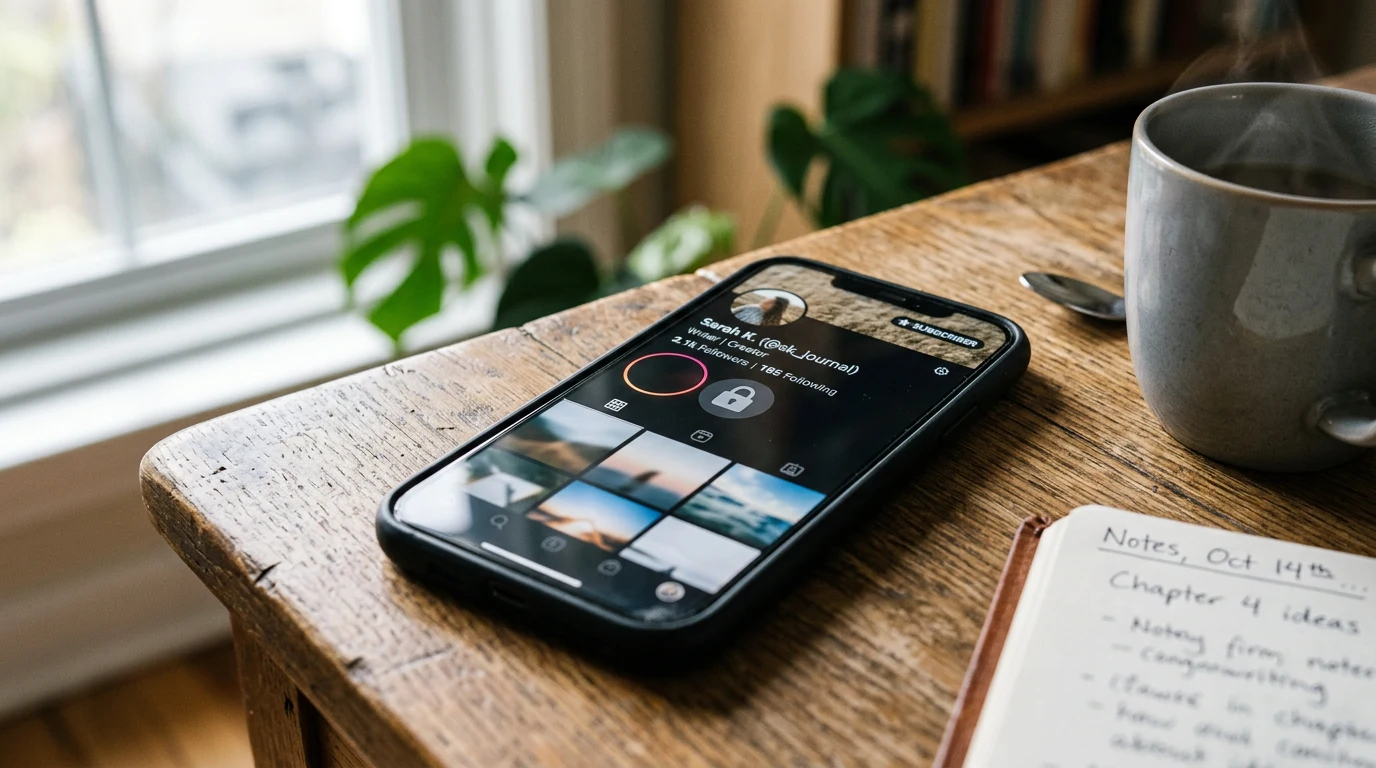
A look at how the one-to-many messaging feature lets creators post updates, run polls, and add collaborators, based on Instagram's own creator guide and help center.
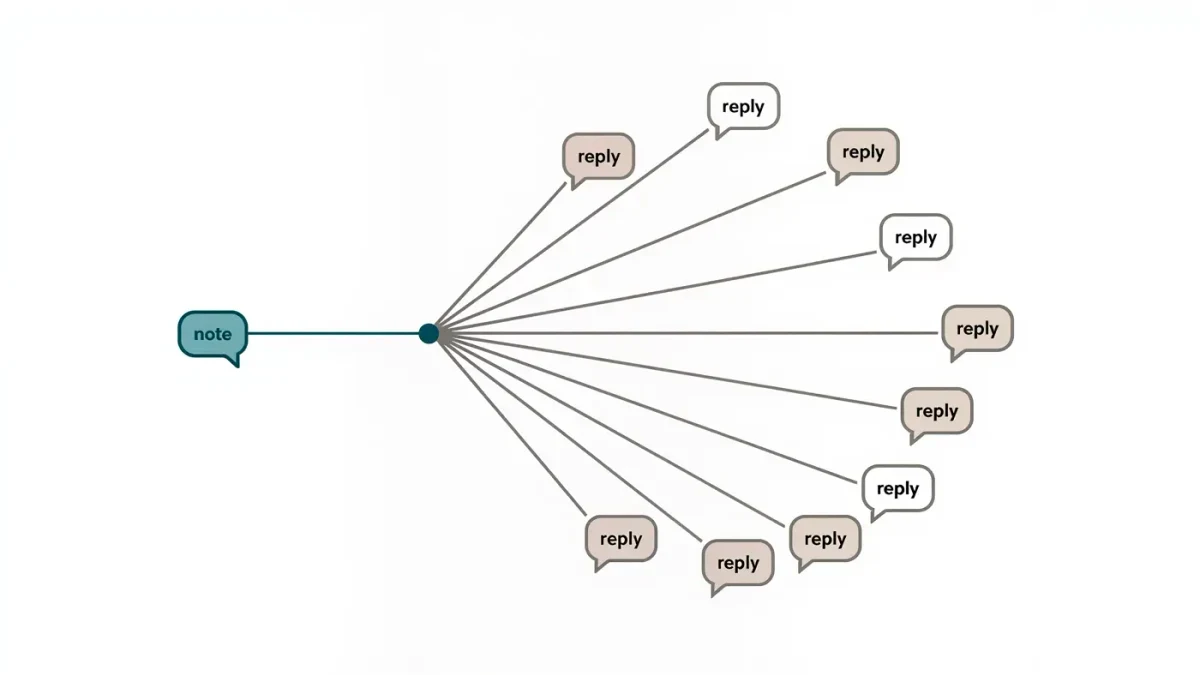
Instagram Notes are short status bubbles — up to 60 characters — that sit above the inbox for a day, and replies arrive as ordinary DMs, making them the lowest-effort conversation starter the platform ships.

Instagram offers three feeds — the algorithmic home feed plus Favorites and Following — and knowing how each is built tells you both how to read the app and how your posts are read.