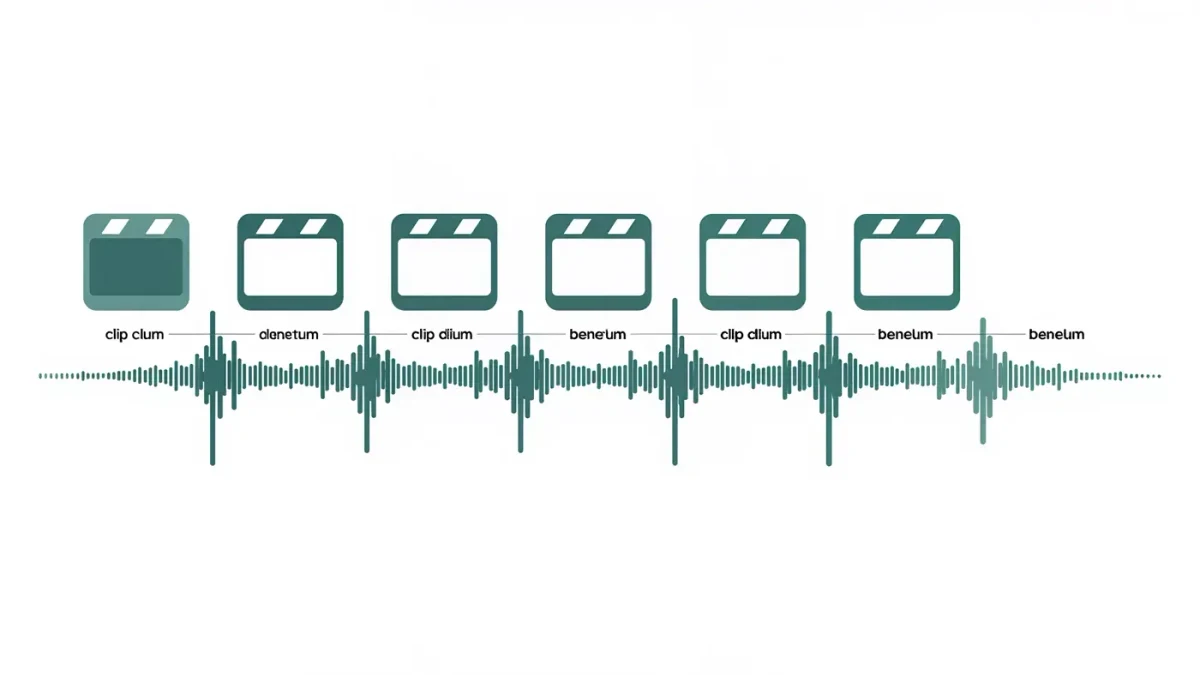
A Reels template is a reusable edit pattern: the beat markers, clip durations and transition points of a published Reel, saved so you can swap in your own clips. You find templates inside the Reels camera and on Reels marked with a template icon, per the help center as of April 2026. The feature is free, works entirely in-app, and removes the slowest part of editing — syncing cuts to music by hand.
Live Instagram is an independent publication covering documented features. Steps below follow the help center as of April 2026; menu names can change between app versions.
How do you find templates in the app?
Two reliable entry points exist:
- In the Reels camera, browse template suggestions shown before you record, often grouped by theme or trending audio.
- While watching any Reel with a template icon above the title, tap Use template to load its pattern directly.
Per the help center as of April 2026, the template picker also surfaces collections curated by the platform, which rotate. Availability of specific templates varies by account and region, so treat any named example as transient.
How do you apply a template to your own clips?
The workflow is a fill-in-the-blanks edit:
- Tap the template you want, or Use template on a Reel.
- Review the clip slots — each shows the required duration.
- Tap a slot and pick footage from your camera roll, or record on the spot.
- Check the preview; templates show how each clip aligns to beats.
- Trim or replace individual clips where the alignment feels off.
- Add text, stickers or a voiceover on the usual editing layers.
- Share to Reels when the preview holds together.
The template preserves the original pacing but not the original captions or effects added on top — those are your layers to rebuild.
When should creators use templates versus manual edits?
Templates trade originality for speed, and that trade is worth making often:
| Situation | Template or manual | Why |
|---|---|---|
| Participating in a trend | Template | Trends reward matching the format fast |
| Regular series episodes | Template | Consistent pacing builds recognition |
| Signature storytelling Reel | Manual | The edit itself is part of the idea |
| Tutorial with voiceover | Manual | Clip lengths follow the narration, not music |
A sustainable mix for many working creators is templates for volume and manual edits for the one Reel each week that carries the account's identity. That is practice guidance, not a platform claim — but it reflects how the feature is designed to be used.
What makes a template Reel work well?
Three habits separate good template output from filler:
- Shoot clips slightly longer than each slot asks for, so trimming has room.
- Match clip content to the beat's energy — the cut lands harder when the footage changes on the drop.
- Replace trend text with your own angle; identical wording across a thousand Reels helps no one's brand.
Templates also teach structure. Editing ten of them shows you, physically, how duration and rhythm hold attention — knowledge that transfers to manual work.
Can you create templates for other people?
Per the help center as of April 2026, when you publish a Reel with your own original audio, the platform can offer it to others as a template. Creators use this deliberately: a branded edit pattern that others replicate spreads the account's format along with attribution to the original audio. If you want your format to travel, publishing with original audio is the documented path.
Attribution mechanics follow the audio system: anyone using the template is linked to its source through the audio page. This is exposure within the platform, not compensation — monetized reuse is a separate subject.
What are the limits and pitfalls?
A few practical cautions. Licensing: template music carries the platform's music library terms, and business accounts see a restricted commercial library — check that your account type can use the track before building on it. Saturation: a template works because many people use it, and stops working when everyone's version is interchangeable; your footage is the differentiator. Versioning: templates depend on audio availability, and if a track becomes unavailable, Reels built on it may lose their sound — a documented general behavior of music on the platform.
None of these pitfalls argue against templates. They argue for treating the template as scaffolding: it gets the structure up fast, but the building still has to be yours.
How do you build a repeatable template workflow?
For a creator publishing several Reels weekly:
- Block one session to shortlist templates that match upcoming topics.
- Shoot footage in batches with slot durations roughly in mind.
- Assemble drafts in the app without publishing, letting drafts sit overnight.
- Review drafts fresh, fix the weakest clip in each, then publish.
The draft step matters most. Templates make publishing so fast that unreviewed output escapes — and a drafts folder is the cheapest quality control the platform ships.
How do templates interact with trends and timing?
Template trends live and die in days, so the workflow around them matters as much as the editing. A trend's template peaks when the format is recognizable but not yet saturated; by the time a template appears in everyone's feed, the marginal value of another version is small. Speed is the honest competitive advantage templates offer — they cut production time precisely so you can publish while a trend still has room.
That argues for a short pipeline. Shoot template footage the same day you pick a template, assemble the draft immediately, and publish within a day or two of discovery. A template Reel that sits in drafts for a week usually arrives after the wave — the edit is fine, but the moment has passed.
Not every template needs a trend behind it, which is the calmer half of the strategy. Evergreen template shapes — before-and-after, list structure, tutorial pacing — work any week, because the value is the format's clarity rather than its novelty. Mixing trend rides with evergreen shapes keeps output steady when the trend pipeline runs dry.
What should you track after publishing template Reels?
Insights for professional accounts show the numbers that matter: plays, average watch time, shares and saves. For template work specifically, watch time is the diagnostic star. Templates are pacing machines; if viewers drop early, the opening clip — not the template — is usually the problem. Compare drop-off across several template Reels and a pattern emerges quickly.
Shares signal that the format itself traveled — someone sent the Reel because the shape was worth imitating or the joke landed. Saves signal reference value, more typical of tutorial-shaped templates. The two metrics point at different template strategies, and a creator's own numbers settle which strategy their audience prefers.
Keep a simple log outside the app: template used, topic, publish date, watch time, shares. Ten rows of data teach more about template fit than any general rule, because they are your audience's answers rather than the platform's averages.