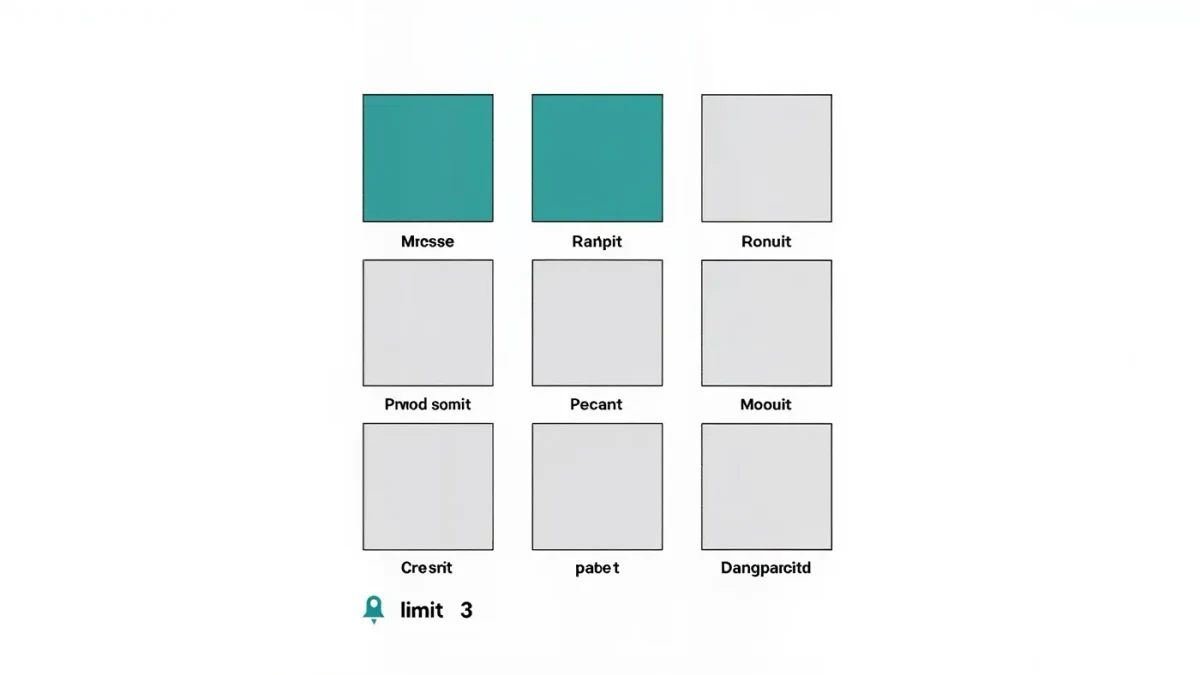
Pinned posts are ordinary posts you mark so they sit in the first three slots of your profile grid, in the order you pinned them. The limit is three, the feature is free on all accounts, and pinning or unpinning never notifies followers, per the help center as of January 2026. Any post type can be pinned: single photo, carousel, or Reel.
Live Instagram is an independent publication; this guide describes documented behavior, not insider knowledge. Interface details can change, and where a limit might move, we say so instead of guessing.
How do you pin a post on your profile?
Pin from the post itself, not from profile settings. The whole action takes four taps on a phone or one click on the web version:
- Open your profile and tap the post you want to feature.
- Tap the three-dot menu in the top corner of the post.
- Tap Pin to profile.
- Repeat for up to three posts; each new pin fills the next slot.
To unpin, open the same menu and tap Unpin from profile. Reordering means unpinning and pinning again in the sequence you want, since the most recently pinned post takes the last open slot position in the row. The exact ordering behavior can change with app updates, so treat that as the current pattern rather than a fixed rule.
What can be pinned, and what cannot?
Per the help center as of January 2026, any post from your own grid is pinnable, regardless of when it was published. That includes posts from years ago, which is what makes pinning useful for reintroducing evergreen material. Reels published to your grid also qualify.
What you cannot pin: other people's posts, stories (use Highlights instead), and content that has been deleted or archived. Collaborative posts follow the same rules as regular posts. If a pinned post is archived, it leaves the pin slot automatically and the slot becomes free.
Why do the first three slots matter so much?
A profile visitor deciding whether to follow typically sees your bio, then the top of your grid. Pinning gives you direct control over that top row, replacing chronological luck with editorial choice. For creators, it works like a storefront window: the three pins answer who you are, what you make, and why someone should stay.
The effect is on orientation, not distribution. Pinning a post does not boost its reach in feeds, per the help center as of January 2026; it changes what people see after they have already arrived at your profile. Growth claims built around pinning should be read with that distinction in mind.
Which three posts should a creator pin?
There is no official formula, so treat this as documented practice rather than platform doctrine. A pattern that works for most creator profiles:
| Slot | What to pin | Why it works |
|---|---|---|
| First | A concise introduction post or carousel | New visitors learn what the account is about in seconds |
| Second | Your strongest Reel or most saved post | Proof of quality; saves signal durable value |
| Third | A current call to action: product, service, newsletter | Converts the visit into a next step |
Small businesses often swap the second slot for a best-selling product post. Educators pin a defining lesson post. Choose work that stays accurate for months, because visitors will judge the whole account by these three.
When should you change your pinned posts?
Review pins whenever your offer changes: a launch, a rebrand, a seasonal shift, or a post whose information went stale. A pinned post with an expired price or a discontinued product keeps misleading every new visitor until you replace it. Many working creators re-check the row monthly as part of a content review.
Avoid churning pins weekly. The row is a slow signal, not a bulletin board; constant rotation hides your best material behind recency, which the main grid already does on its own.
Do pinned posts affect reach or analytics?
No documented mechanism adds or subtracts feed reach for pinned posts. In insights, a pinned post can accumulate more profile-driven visits simply because more people see it on the grid, per the help center's general description of how insights count profile activity as of January 2026. That is visibility, not algorithmic promotion.
If you want to know whether pins work, watch profile-level metrics: visits, follows from profile, and link taps. Those numbers respond to what visitors see first — which is exactly what you control with three pins.
What are the most common pinning mistakes?
Four mistakes show up again and again:
- Pinning three posts from the same week, which turns the row into a timeline duplicate.
- Pinning a post with a dated announcement that has since expired.
- Pinning only what you like instead of what visitors need to understand the account.
- Leaving fewer than three pins, wasting slots you already own.
Each mistake is free to fix, which is the quiet advantage of the feature: experimentation costs nothing but a few taps.
How do pinned posts interact with Highlights and bio?
Pinning works best as part of a whole profile system. The bio answers who you are in one line; the three pins prove it with content; the Highlight row carries the recurring questions. When all three layers agree, a new visitor absorbs a complete picture in under a minute without scrolling.
Overlap between layers wastes space. If your bio already states your service and a Highlight covers reviews, the pins are free to do different work — a signature Reel, a best carousel, a current launch. Profiles that pin a testimonial, keep a review Highlight, and write trust me in the bio are saying the same thing three times.
A monthly audit of all three layers together takes ten minutes: read the bio, look at the pins, skim the Highlight covers. If any layer duplicates another, replace the weaker copy with something only it can say. That discipline is what separates a curated profile from a decorated one.
Do pinned posts behave differently on private accounts?
Private accounts can pin posts under the same rules, but the audience is smaller by definition: only approved followers see the grid at all. For a private creator account — a coach with a gated community, for instance — pins still set the first impression for every new follower request that gets approved.
The mechanics are identical, per the help center as of January 2026: three slots, any own posts, silent changes. What differs is intent. Public accounts pin for strangers; private accounts pin for members. A member-facing pin row leans toward reference material — the rules post, the intro thread, the current challenge — rather than marketing.
If you later switch the account to public, the pins carry over unchanged, which makes them worth curating even while private. The row you build for fifty followers becomes the row that greets the next thousand.