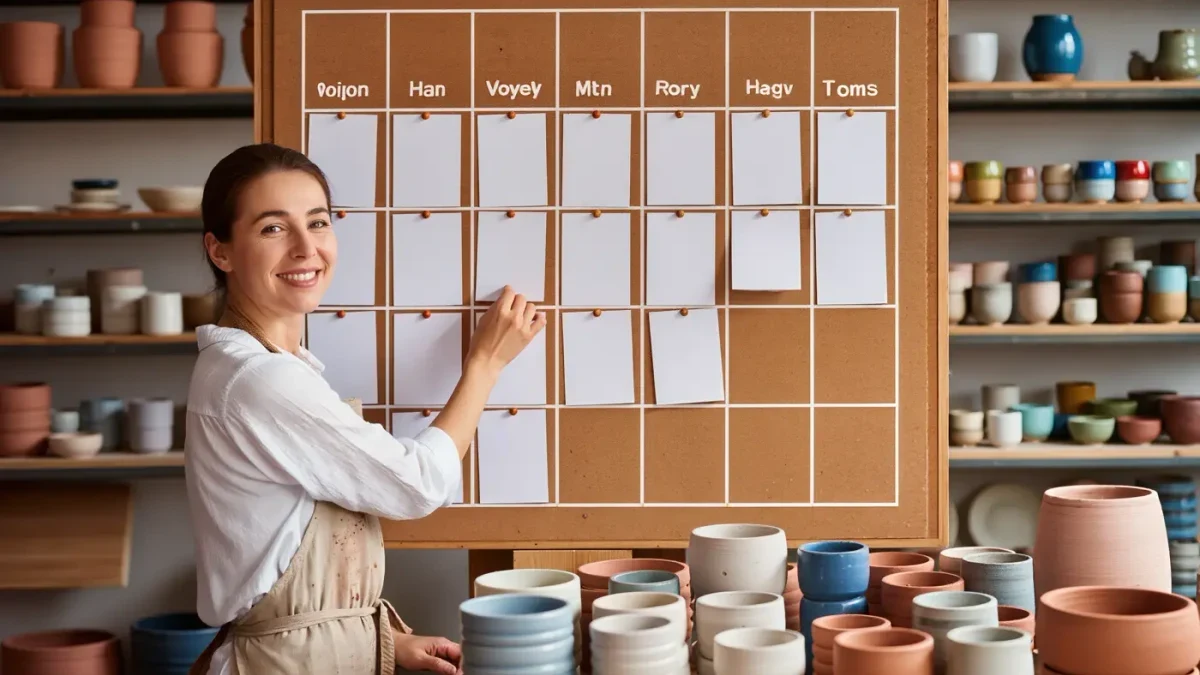
A monthly Instagram content calendar is a simple grid: dates across the top, your formats and topics down the side, filled in around three to five repeating content pillars. The goal is not to post more; it is to decide once, in advance, what gets published when, so that daily posting stops being a creative emergency. The main caveat: a calendar only works if it matches the time you actually have, so build it around your real weekly capacity, not an idealized version of your week.
Why does a content calendar help in the first place?
A calendar removes the two biggest failure points of Instagram publishing: forgetting to post and posting whatever is easiest at the last minute. When topics are chosen in advance, each post serves a defined purpose — teaching, showing work, or answering a repeated customer question — instead of filling a slot. Planning also lets you batch production, which is usually faster than switching between filming, editing, and writing every day.
There is a second, less obvious benefit. A calendar makes your content auditable. At the end of the month you can look back and see whether one pillar crowded out the others, whether every week actually had a format you enjoy making, and where the gaps were. Without a written plan, that review is mostly guesswork, and the same gaps repeat.
What should you decide before filling in any dates?
Three decisions come before the grid. First, pick your posting rhythm: how many feed posts, Reels, and story days per week you can sustain for a full month without burnout. Second, define three to five content pillars — the recurring themes your account exists to cover. Third, choose the formats that fit each pillar, because a tutorial pillar may work best as a carousel while a process pillar fits short video.
Be honest about the first decision. An honest calendar of three posts a week that runs for six months beats an ambitious daily plan that collapses in week two. If you are unsure, start at the lower end and add a slot in month two only if production felt comfortable. Capacity you have not proven yet is capacity you do not have.
How do you structure the monthly grid?
Use a plain spreadsheet or a paper planner with one row per day and columns for format, pillar, topic, asset status, and caption status. Then assign fixed weekly slots so the structure repeats, for example: one educational carousel on Tuesday, one Reel on Thursday, one lighter community post on Saturday, stories on weekdays you already record. Fixed slots turn planning into filling a template rather than inventing a schedule from scratch every week.
Fill the grid in this order:
- Mark non-negotiable dates first: launches, seasonal moments, sales, or holidays relevant to your audience.
- Assign one pillar to each remaining slot, rotating so no pillar disappears for more than two weeks.
- Write a working topic — six words is enough — for every slot, leaving detailed captioning for later.
- Flag which posts need filming versus which can be made from existing material.
- Leave at least two slots per month intentionally empty as buffer for timely content.
The buffer slots matter most. A calendar with no air holes breaks the first time something timely happens, and a broken calendar is usually abandoned rather than repaired.
How far ahead should you actually plan?
Plan topics a month ahead, but keep captions and final edits flexible until close to publication. Topics age well; jokes, references, and news-sensitive framing do not. A workable split is a one-hour planning session at the start of the month, one batching block per week for production, and ten minutes before each post goes out for the caption and any small adjustments.
This split also protects the calendar from its most common failure: over-engineering. Tools with kanban boards, color codes, and approval workflows are built for teams. A solo creator needs dates, formats, topics, and a status column — anything beyond that is maintenance cost without matching return.
How do you balance pillars without overcomplicating the grid?
A simple ratio keeps the mix stable: roughly 40 percent of slots to your primary pillar — usually the educational or product theme the account is known for — and the remaining 60 percent split between two and four supporting pillars such as process, customer stories, and personal point of view. Ratios are guidance, not law; the point is that no single month should be dominated by one theme unless that is deliberate, like a launch period.
| Pillar example | Share of slots | Typical formats |
|---|---|---|
| Educational how-to | About 40% | Carousel, short Reel |
| Process and work in progress | About 20% | Reel, stories |
| Customer results and questions | About 20% | Carousel, single image |
| Point of view and community | About 20% | Single image, stories |
When you review the finished month, count the slots per pillar. The number often differs from what you intended, and that difference is exactly what the calendar was supposed to reveal.
What breaks most calendars and how do you prevent it?
Three patterns break calendars: no buffer, no batching, and no review. Buffers absorb surprises, batching prevents the daily context-switching that makes posting exhausting, and a short monthly review — fifteen minutes is enough — turns mistakes into adjustments rather than reasons to quit. Treat the first month as a draft; almost nobody guesses their real rhythm correctly on the first pass.
If you miss days, shrink the calendar instead of abandoning it. Dropping from five posts a week to three is a course correction. Starting over with a new system every two months is how accounts go quiet, and quiet accounts are far harder to restart than slow ones.
How do you run a batching week against the calendar?
Once the grid exists, produce against it in batches rather than one post at a time. A workable weekly block for a solo creator looks like this: pick one ninety-minute session for filming, one for editing and asset preparation, and one shorter session for captions and scheduling. In the filming session, work through every slot of the coming week in a single setup, changing only the subject in front of the camera. Changing outfits, backgrounds, or props between clips within one session multiplies what a single session yields without adding days.
Keep a running idea list beside the calendar, and only promote an idea onto the grid when it matches a slot's pillar and format. This habit shortens the monthly planning session, because you are choosing from a pool you have already qualified instead of brainstorming from zero under deadline pressure.